
Contents
Why Email List Building?
Simple. “The money is in the list.”
There are two main reasons which make that statement true.
A) When you have a list, you can communicate with them any time you like, by sending an email. Include a link in it and BAM, instant traffic!
B) With an email list, you’re able to speak to your audience in a personal manner on a regular basis and build the “know, like, and trust factor” (KLT factor).
Email list building is essential for just about any type of online (and offline for that matter) business owner – from affiliate marketers, course creators, and freelancers to musicians. Even offline businesses can profit hugely from email marketing.
Every business needs to get as many eyeballs on their products and services as possible, and email marketing is an extremely effective way to do it.
Not only can you use it to drive traffic to any web page you like, but it’s also the perfect channel to build a relationship with your audience. An email list allows you to reach out to your target audience in a more personal way and build trust with them, than say Instagram or Tiktok.
As with most things with internet marketing, email marketing is a numbers game.
The more people you have on your email list, the more potential buyers you will have. You can use your email list to promote your products and services, as well as build brand awareness. You can also use it to send out newsletters, special offers, and promotions to keep your subscribers engaged and interested in your business.
Also, one more point that is rarely talked about is that email marketing is extremely, precisely trackable and highly customizable from an analytic point of view!
You can track important stats of your emails, such as numbers of opens, open rates, clicks and click-through rates and revenue generated from each email. You can split test email subject lines to find the best performing one. Those kinds of things aren’t found on platforms like Facebook, Youtube or Twitter.
Therefore, building an email list is a highly profitable activity! Perhaps THE most profitable activity you can do.
In case you’re wondering if email marketing still works.
I laugh whenever I see someone saying that “email marketing is dead”. If you ever hear any ‘guru’ say that, run quickly in the other direction.
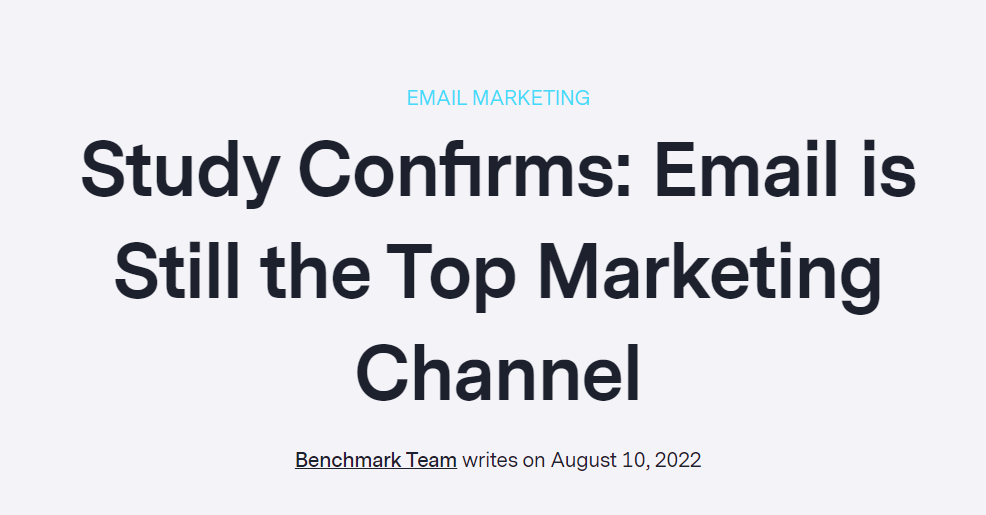
There is proof everywhere that Email is STILL the #1 ultimate marketing channel.
It’s extremely efficient in driving sales thanks to its design, optimize-ability, and nature of being a personal communication tool.
Email marketing might sound complicated, but it can be used very simply and still get amazing results.
It’s the perfect marketing method for beginners, but I know, you still might be a little hesitant and simply unsure about how to get started.
Where do you start? What tools do you need? How do you get traffic?
In this article, I’ll answer those questions by showing you the steps to building an email list, even if you’re a complete beginner.
Step 1. Know Your Niche and Audience Like You Know Your Friend
Before you attempt to build an email list, you must first identify your target audience.
In other words, you need to choose a niche, and then get to know who your target audience is.
What problems do they have? Not enough money? A bad relationship with their spouse? Weight or health problems?
What solutions are they looking for? Training on “How to” do something? Software? A physical product?
What kind of life do they want? For example, a life without pain? A life with a lot of free time? A life they spend with their partner?
What fears are stopping them from getting what they want? Are they lacking confidence, knowledge, or time?
Knowing these things FIRST will help you with your list building.
(Actually, it will help you with EVERYTHING you do in your marketing because knowing your target audience and how to communicate and engage them is the basis of everything you do)
You’ll know what kind of lead magnet to create, what copy to write on your landing pages, and what type of email content and promotions to send that will engage them.
And once you have engaged them, it’s easy to introduce your products and or services. That’s when you get paid!
Step 2. Get The Tools You Need to Build a Lead Capture system
First, get an Email Marketing Autoresponder.
Once you know who your target audience is, it’s time to build your list-building machine – your online, automated machine that captures and stores your leads and allows you to contact them with emails.
The first tool you need to build this system is an email marketing autoresponder system. This will be the main tool you use to manage all of your email lead capture and email sends.
An autoresponder system allows you to send out both automated emails as well as manual instant broadcasts to your subscribers.
It also allows you to track the performance of your emails. In particular, it will track open rates, click-throughs on links inside the emails, and if you want to get really fancy, which emails are generating revenue.
In case you’re wondering, my favorite email autoresponder is Aweber, and I’ll tell you more about it further down the page.
How to Choose a Good Email Autoresponder
There are dozens of email autoresponder systems to choose from. Probably hundreds. There are a few things you should consider before choosing one.
- First, as a beginner, you want one that is easy to use yet has all the major features you need. You want an easy-to-use one because you don’t want to be so confused at the beginning that you get overwhelmed and give up.
Most of the leading autoresponders have the important basic features you’ll need, e.g. form builder, landing page builder, follow-up campaigns, live broadcasts, and automation, etc. So as long as you’re getting a modern autoresponder, you’ll be covered there. But you may find that some are very hard to navigate, and have more features than you need – which clutter up the dashboard. - Second, you want an autoresponder that has exceptional email deliverability. After all, if your emails aren’t reaching the inboxes of your leads and customers, almost everything else you do in your online business will be fruitless. ‘Nuff said.
- Next is cost. Beware of cheap or unpopular ARs. You don’t want to cheap out on an autoresponder for a few reasons. They are prone to getting low email deliverability, having limited features, and being clunky and hard to use. Also, if it’s an unpopular AR, it might go out of business! Remember the saying “You get what you pay for.” It really applies to most online marketing tools.
And, of course, when you’re just starting out, you don’t want to go broke paying the monthly bill for one. Generally, the price varies depending on how many subscribers you store in your AR (autoresponder). Some charge for the number of email sends you make in a month. An AR that lets you “pay-as-you-go” like this is ideal for you if you’re a beginner.
That’s another reason I like Aweber. They have very competitive pricing and several plans based on the size of your list. More about Aweber below.
Next, you need a Landing Page Builder
Ever seen a page like this?

This is a typical “squeeze page” landing page. It’s a very simple web page, that contains a little text and an email opt-in form. The sole purpose of this page is to get people popping their email addresses into the box, and therefore onto your email list.
The easiest way to create a landing page is by using a page builder app. These apps make it so easy for beginners to build their own custom “squeeze page” because of the array of templates and point-n-click editor.
Pretty much every page builder app these days is cloud-based – so you log into their system, design your page, publish it and it’s hosted on their web server. This means you don’t need to host anything nor pay for 3rd party website hosting. Hosting is included in the cost of the page builder, which is usually a monthly or yearly fee.
Beware of any page builder apps which you can get for a one-time payment. Those apps are usually made by marketers who just want to do a quick cash grab. They will take your money and run. After their launch, they will soon abandon the software, then one day it stops working and you will be ghosted by support.
Some page builders even come built-in, as an extra feature with some autoresponders, like Aweber (another reason I love them), saving you some extra coin every month.
How to choose a good page builder
If you’re a beginner, I suggest you keep a few things in mind when shopping for a page builder.
- First, make sure the landing page builder is easy to use, while still packing the necessary features you need.
Features you definitely want in a page builder are a good range of good-looking templates, customizability, fast-loading pages, analytics/stats, and great customer support. - Second, make sure the app is run by a legit company! You want to be sure that the company you’re signing up with has a good reputation, and going to be around for the long run.
Since your landing pages are a crucial part of your list-building business, the last thing you would want to do is wake up to see your landing pages are down or even worse, gone without a trace. You’ve got to be able to trust the companies that you build your business on. - Third, find a landing page builder that is reasonably priced. There are many on the market these days which means their prices are very competitive. You’ll be looking to pay around $30/mth for a reliable page builder app. Probably cheaper if you buy a yearly plan ; )
Like I mentioned above, avoid page builders that sell lifetime access for a one-time payment. A company that is serious about staying in business and updating/improving its page builder, will need funds to do so. That’s why they require users to pay a subscription. A “company” (usually a shady marketer) that isn’t serious, will launch their app for a one-time payment, and then once the launch is over, will take the money and run, or use it to launch their next fancy app, and forget about the previous apps.
Why I love AWeber – Autoresponder and Landing page builder-in-One
There is a reason why I’ve stayed with Aweber for over 15 years. (Actually, many reasons.)
- Affordable for beginners (they even have a free plan, albeit with some limitations) so there is a very low barrier to joining. They have plans to suit marketers at every level, starting at around $20/mth.
- Email autoresponder and page builder all-in-one! Cut your expenses by having these two essential email marketing tools in one system.
- Very easy to use. They’ve been able to keep their system user-friendly all these years, even while improving and adding more features.
- All the features you need for effective and profitable email marketing campaigns. Landing page builder, form builder, email automation, autoresponder, broadcasts, and more.
- Great email deliverability. You can be confident your emails are reaching the inbox of your subscribers most of the time. No autoresponder can get 100% inbox deliverability every time, but Aweber is up there with the best of the best.
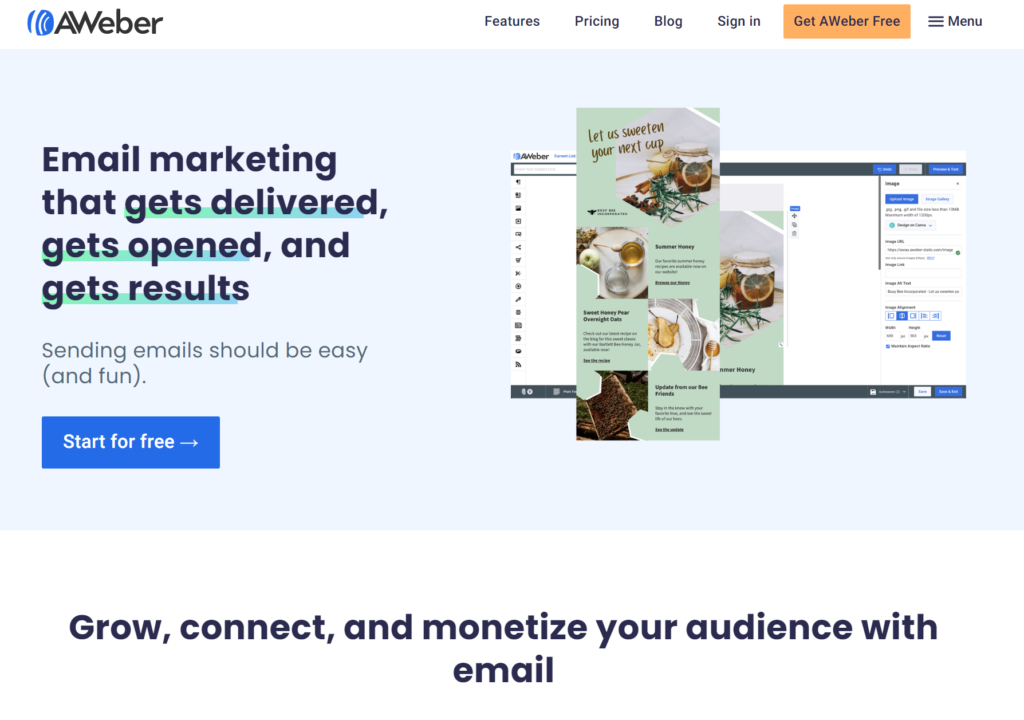
Want to learn more? Read my full Aweber review or go and sign up for an account here to get started.
Step 3. Creating a Lead Magnet
What is a lead magnet?
Email list building is a bit like fishing – just like you need the right bait to catch a fish, you need the right bait to catch a subscriber.
Getting someone to enter their email address into an optin form is not as easy as it used to be. It’s because more and more people are worried about getting spammed or their inbox getting filled with promos and junk. They need the right ‘bait’ to bite on – an incentive that they would “crawl over broken glass” to get.
What you need is a ‘lead magnet’ that you give away to entice your target subscriber to join your email list. It could be an eBook, a video course, a webinar, or anything else that provides VALUE to your target audience.
Giving away a high-value ‘lead magnet’ will also help you build solid relationships with your subscribers.
How to Create a Subscriber-Sucking Lead Magnet
A good lead magnet could be an ebook, video, audio, webinar, or some other info-product that reveals some kind of “secret” that will help your reader overcome some part of their problem, or teach them to do something they want faster, and more easily, etc.
It doesn’t need to be an info-product though. It could be some templates, a ‘checklist’, a free membership to your site, a subscription to your newsletter, a ‘lite’ version of an app, etc.
It doesn’t really matter what type of lead magnet or in what format you give away, so long as it will be worthwhile for your reader!
How to deliver your freebie
There are several ways you can deliver your freebie. I like to have my new subscribers download or watch the video from a ‘thank you’ page that they see immediately after subscribing.
I use single-optin so they don’t need to confirm their email address. After opting in, they get their freebie and start receiving my autoresponder messages immediately.
Alternatively, you can have the link to your lead magnet in your first email. Just put a message on your ‘thank-you’ page that the link to their freebie is in your welcome email hitting their inbox shortly.

Step 4. Write an Email follow-up Sequence in your Autoresponder That Will Hook Your Readers & Sell Your Product
Once you have people joining your email list, you can start sending them emails!
The brilliant thing about using an Autoresponder is that you can completely automate the sending of your follow-up email sequence.
There are a lot of questions when it comes to writing a follow-up sequence. Let me try to answer some common ones.
What do you write in your emails?
First, let’s look at the purpose of your emails. Let’s not beat around the bush… the purpose of your follow-up email sequence ultimately, is to sell your product.
That then begs the next question, “how do you sell your stuff with email?”
Remember at the start of this article how I said an email list will allow you build a relationship with your subscribers? Well, that’s the key to selling right there. People will buy from you once they know, like and trust you.
So use the first few emails to educate your readers about the niche topic you’re in. If you’re in the ‘internet marketing’ niche, send them ‘internet marketing’ related content. In the gardening niche? Send them gardening content. This will also establish yourself as an expert ‘authority’ in the niche.
“The more you tell,the more you sell.”
You shoud mix in stories about how you or someone else has overcome problems. Introduce ways they can overcome problems too. Tell them they can fix their problem with XYZ product. Then drop a link to the product.
If you know about copywriting, and in particluar the AIDA (attention, interest, desire, action) formula, this will rreally help you when crafting your email sequence.
Don’t be afraid of putting links to your products fright from the beginning of your follow-up sequence. Educate, tell, and sell your readers about how your product will solve their problems.
How many emails should you have in your follow-up sequence?
This all depends on how automated you want your business to be!
The more emails you have set up in your follow-up sequence, the more you’ll be able to “set and forget” it.
Keep in mind that subscribers may go months without buying anything, but they will be reading all of your emails and thinking about buying your course or whatever.

I recommend you do the hard work at the start, write and set 30 emails to go out over 60 days, so you can then kick back and relax a bit.
How often should you send emails?
Set your emails to go out at intervals of one a day for the first 15 days.
Of course, it depends what you’re putting in the emails. If you’re writing 1000 word essays, it will be too much for your reader to digest at a pace of one a day. An easy read is anywhere between 200 and 400 words. That amount can be digested in a few minutes each day.
How do you get ideas for email content?
This is where it’s important to really become an expert on your niche topic and to really know your target audience. If you know what people want, and what problems they’re facing, then it’s a matter of providing solutions.
The best performing emails are ones that can hit some ‘hot buttons’ in your reader. You’ve got to write stuff that they’ll drop their cereal bowl to read.
Become familiar with all the major categories and major pain points in your niche. Read some authority blogs, follow other experts to learn and stay in touch with new trends.
A tool I like and use sometimes for keyword ideas and general niche topic research is Answer the Public. It will show you all the questions people are asking about a keyword. Very useful for getting to know your target audience’s minds!
When starting your follow-up emails, plan ahead by creating a list of email ideas in an Excel spreadsheet for your 30 emails. Then get busy writing (or outsourcing it).
Your list building machine is ready! What’s next?
Traffic generation, that’s what’s next! Without people visiting your squeeze page, you’re never going to get subscribers.
There are thousands of ways to get website visitors – from paid ads to social media, to good old-fashioned link exchanges. It all works! I won’t get into traffic generation in this post because it’s a HUGE topic and I have several other posts on this blog about my favorite ways to generate traffic.
That brings us to the end of this “how to become a master email marketer” guide for beginners. I hope it helps you build an email list in your niche and make sales!
Email still works. You really can build a solid, reliable internet business solely based on email marketing. And remember, be good to your readers and they will be good to you.
Stuart Stirling